How to Read a GMT Bezel Correctly?

Why the GMT bezel still fascinates
The GMT bezel is the elegance of a 1950s transatlantic flight translated onto a wrist. Born from Pan Am pilots’ needs and immortalised by the Rolex GMT-Master, it did more than simply help crews out: it codified a language. A language of orientation, time discipline, and stylish travel. To understand this bezel is to rediscover the flavour of a world in motion—where you read the time the way you read a map.
Understanding GMT architecture
The three key elements
- The 24-hour bezel: graduated from 0/24 to 23, sometimes bi-colour (day/night), fixed or rotating.
- The GMT hand: an additional hand, often arrow-tipped, that makes one revolution every 24 hours.
- The main 12-hour dial: local hours and minutes, the “usual” reading.

The magic happens when the GMT hand points to a number on the 24-hour bezel: you instantly get a 24-hour reference time (no AM/PM ambiguity). With a rotating bezel, you can even track a third time zone.
“Flyer” vs “Caller”: two philosophies
- “Flyer” (or “traveler”) movement: the local hour hand is adjusted in one-hour jumps without stopping the movement. Ideal for travel. E.g. Rolex GMT-Master II, Tudor Black Bay GMT.
- “Caller” movement: the GMT hand is adjusted independently, while local time remains fixed. Perfect for calling another time zone without going anywhere. E.g. many Seiko GMTs, Sellita SW330.
In both cases, the reading is the same: the GMT hand gives the reference time on a 24-hour scale, while local time is read on a 12-hour scale.
Reading a GMT bezel correctly: step by step
1. Two time zones, fixed bezel
The most common setup. Example adjustment:
- Set the GMT hand to your reference time (often UTC or your “home time”) on a 24-hour basis.
- Then set local time with the hour hand (on a “flyer”, in one-hour jumps; on a “caller”, you adjust the GMT hand and keep local time stable).
Reading: the GMT hand points to the 24-hour bezel for the reference time; the standard hands indicate local time on a 12-hour dial. If the bezel is bi-colour, the 18–6 boundary marks night-time—useful for knowing whether you’re calling at 8 a.m. or 8 p.m.
2. Three time zones, rotating bezel
With a rotating 24-hour bezel, you can add a third time zone on the fly.
- Keep the GMT hand on the reference time (e.g. UTC).
- Rotate the bezel: shift the “0/24” triangle by the number of hours’ difference to the desired time zone.
- Read the third time zone at the tip of the GMT hand, but against the bezel’s new position.
Memory tip: turning the bezel to the right (clockwise) adds hours; turning it to the left subtracts them.
3. A concrete example
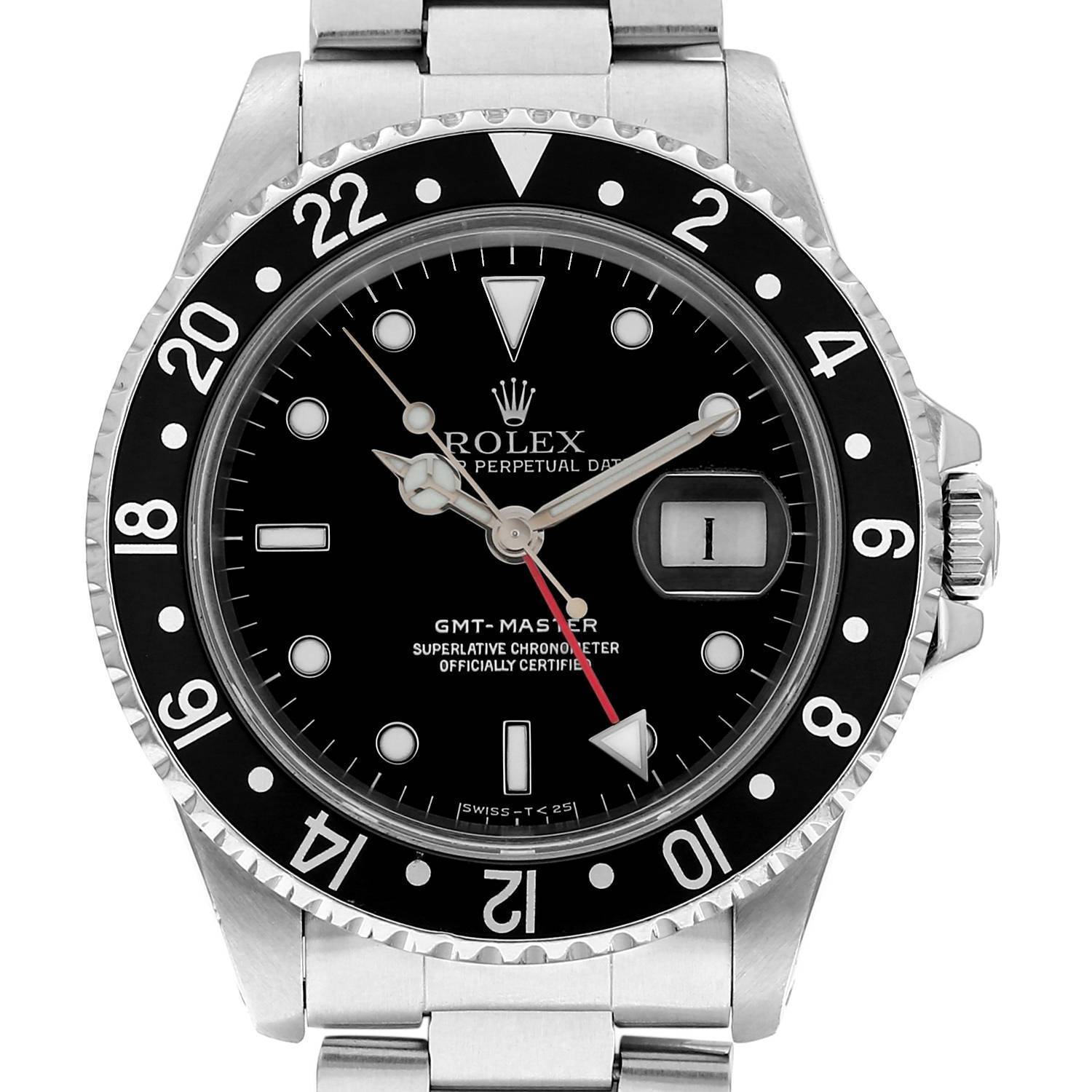
You’re in Paris (local time 10:10), your GMT hand is set to UTC and points to 9 on the bezel (because Paris is UTC+1 in winter). You need to track Tokyo (UTC+9):
- Rotate the bezel by +9 from the triangle. The GMT hand will then point to 18 on the shifted bezel.
- Conclusion: in Tokyo, it’s 18:10. You keep Paris on the 12-hour dial, UTC at the triangle index if you return the bezel to zero, and Tokyo via the rotation.
Pitfalls to avoid
- AM/PM confusion: the GMT hand runs on a 24-hour scale. If it points to 16, that’s 16:00, not 4 o’clock. A bi-colour bezel helps visualise day/night.
- Daylight saving time: the GMT hand doesn’t “move forward”; it’s your local time that changes. Remember to adjust for the seasonal offset if you’re tracking a third time zone.
- Half-hour and quarter-hour offsets: India (UTC+5:30), Nepal (+5:45), Central Australia (+9:30). An hour-only bezel won’t show these precisely. Some watches use internal 24-hour rings or half-hour bezels; otherwise, do the mental maths.
- “0/24” position: on some bezels, zero is marked “24”. It’s the same point. Midnight and 24:00 coincide.
- Accidental rotation: on a non-clicking or bidirectional bezel, regularly check the triangle’s alignment. One click too many and you’re an hour off.
- Reading it backwards: don’t try to read local time on the bezel. The bezel belongs to the GMT hand; the 12-hour dial is the stage for local time.
Choosing your GMT based on how you’ll use it
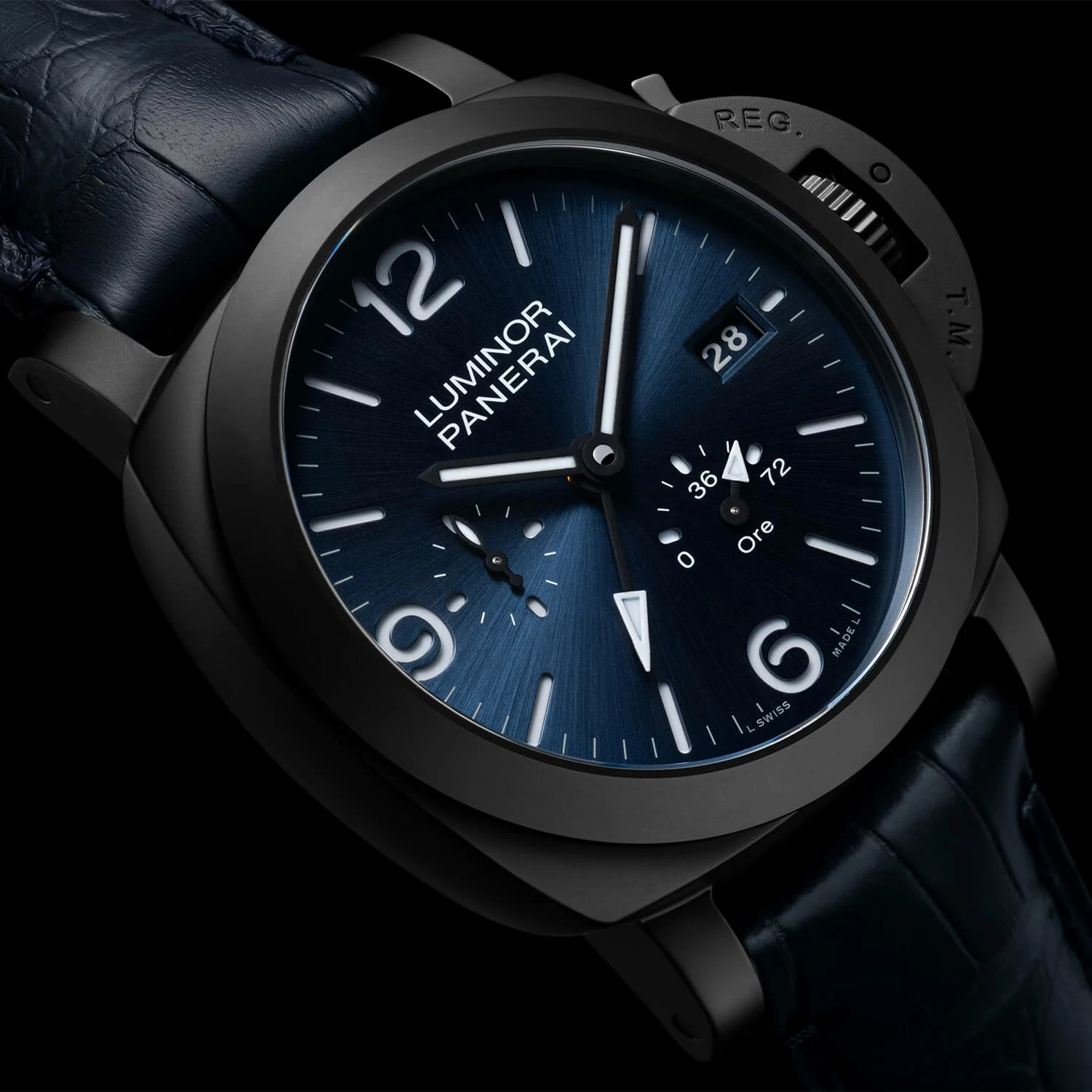
If you cross time zones, prioritise a “flyer” that lets you move local time forward or back without disturbing the reference time. If you often call an overseas office, a “caller” is enough, with the GMT hand set to headquarters time. A rotating bezel is a bonus for multi-country profiles: it instantly turns your watch into a three-time-zone instrument. Two-tone? Beyond the look, it’s a handy day/night cue in meetings—or in the cockpit.
The universal method in 30 seconds
- Set your “reference time” on the GMT hand (UTC or home) on a 24-hour scale, triangle aligned.
- Read your local time on the 12-hour dial.
- Need a third time zone? Rotate the bezel by the number of hours’ difference and read it at the tip of the GMT hand.
With this triad, you won’t go wrong: dial for the present, GMT for the reference, bezel for the exception.
A travel alphabet, from cockpit to office
From the GMT-Master created for Pan Am to today’s GMTs from Tudor, Grand Seiko or Longines, the 24-hour bezel tells a story of efficiency and style. Using it well is a way of honouring that heritage. And beyond the tool, it’s an attitude: knowing where you are, knowing where you come from, and keeping a discreet yet precise eye on the time of those who matter elsewhere.
Mini checklist so you never hesitate again
- Reference time in 24 hours on the GMT hand, local time in 12 hours.
- Fixed bezel: two time zones. Rotating bezel: three time zones.
- Turn right = + hours; left = − hours.
- Check daylight saving time and half-hour time zones.
- “24” equals “0”: midnight and 24:00 are the same point.
After all, reading a GMT bezel isn’t a navigation exam. It’s simple grammar in the service of mobile elegance. And when the second arrow finds the right marker, the world becomes legible again at a glance.